

Before you begin
You need access rights to at least one shared desk. Your administrator sets these rights. See Room user profile.Book a group workspace
1
Open the group booking tool
In your calendar, select the green icon in the lower-right corner of the screen.
2
Start the booking
In the next menu, select Space.
3
Add the participants
Add the people for whom you reserve desks.
4
Select the desks
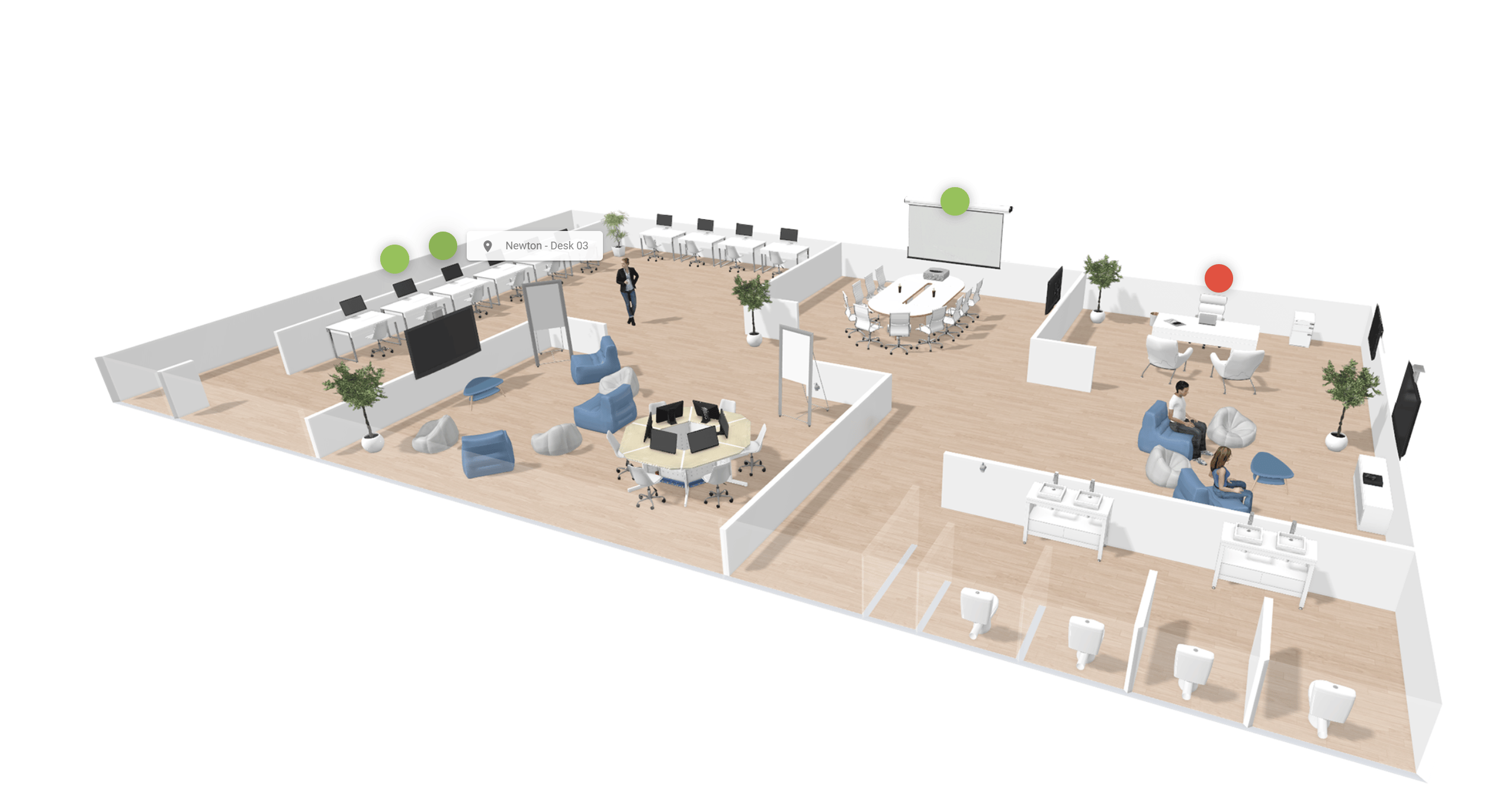
On the interactive floor plan on the right, select the desks that you want. Pick desks that are close to each other. A selected desk changes color.
5
Save the booking
Check that the desks appear in your reservation list, and then select Save.
The group booking appears in green in your calendar.