Before you begin
Your administrator decides which services exist, and for which rooms. If you do not see a service, ask your administrator. See Additional services.Add a service
1
Open the services
In the booking window, select Add Additional Services.
2
Select the services
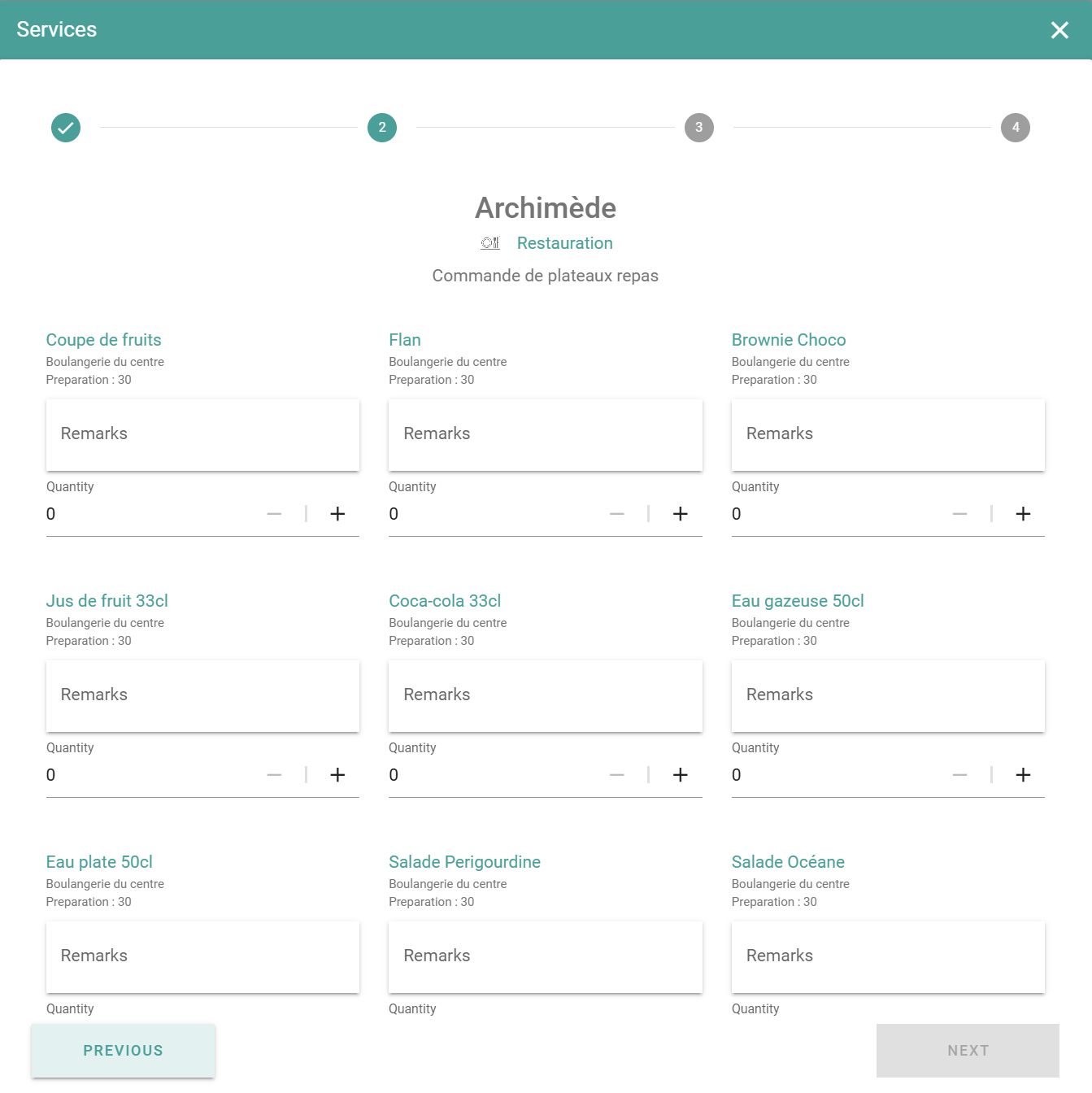
Select the services that you need from the available options.
3
Enter the quantity and a comment
Enter the quantity for each service. If the service allows comments, enter a comment, for example a dietary note for catering.
4
Confirm the services
Select Confirm to attach the services to the booking.
5
Save the booking
Select Save.