

Book a common space
1
Open your calendar
In the main menu, select Calendar.
2
Open your reservations
Select My Reservations to see your current and past bookings.
3
Start a new booking
Select the + button in the lower-right corner of the screen.
4
Select the common space type
Select the purple icon for common spaces, and then select Common Space from the list of space types.
5
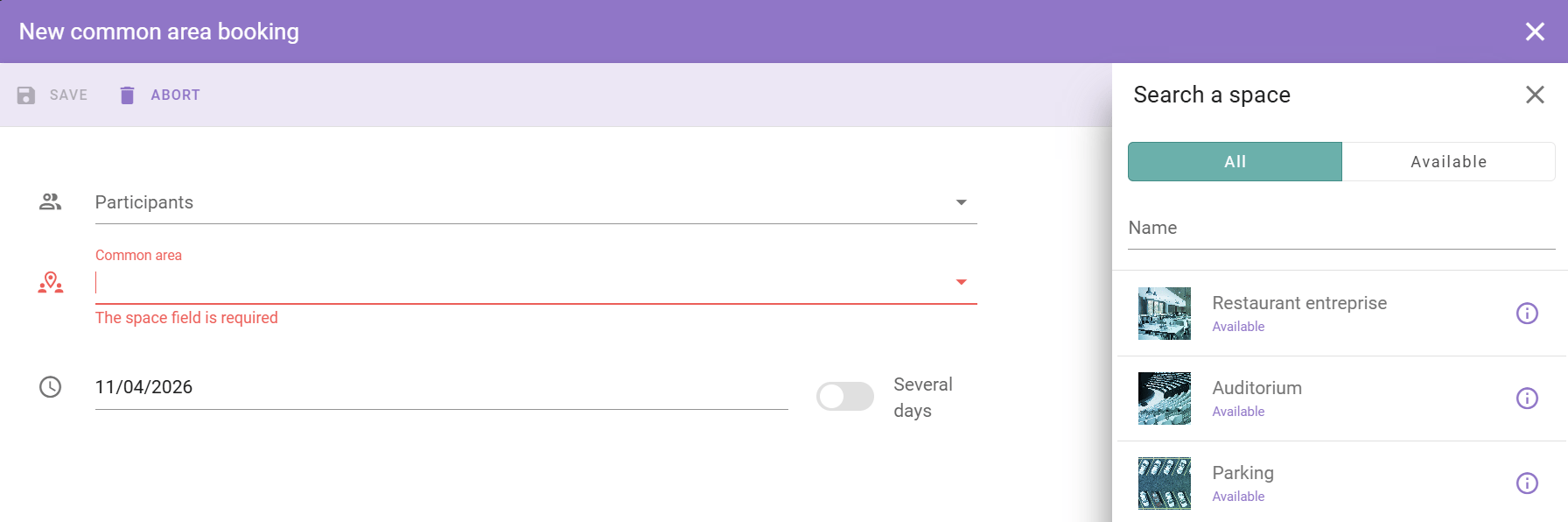
Select the space and the option
In the panel on the right, select the common space, for example the cafeteria. Then select the option for that space, for example a lunch slot or a gym session.
6
Save the booking
Select Save.
The reservation appears in your calendar.