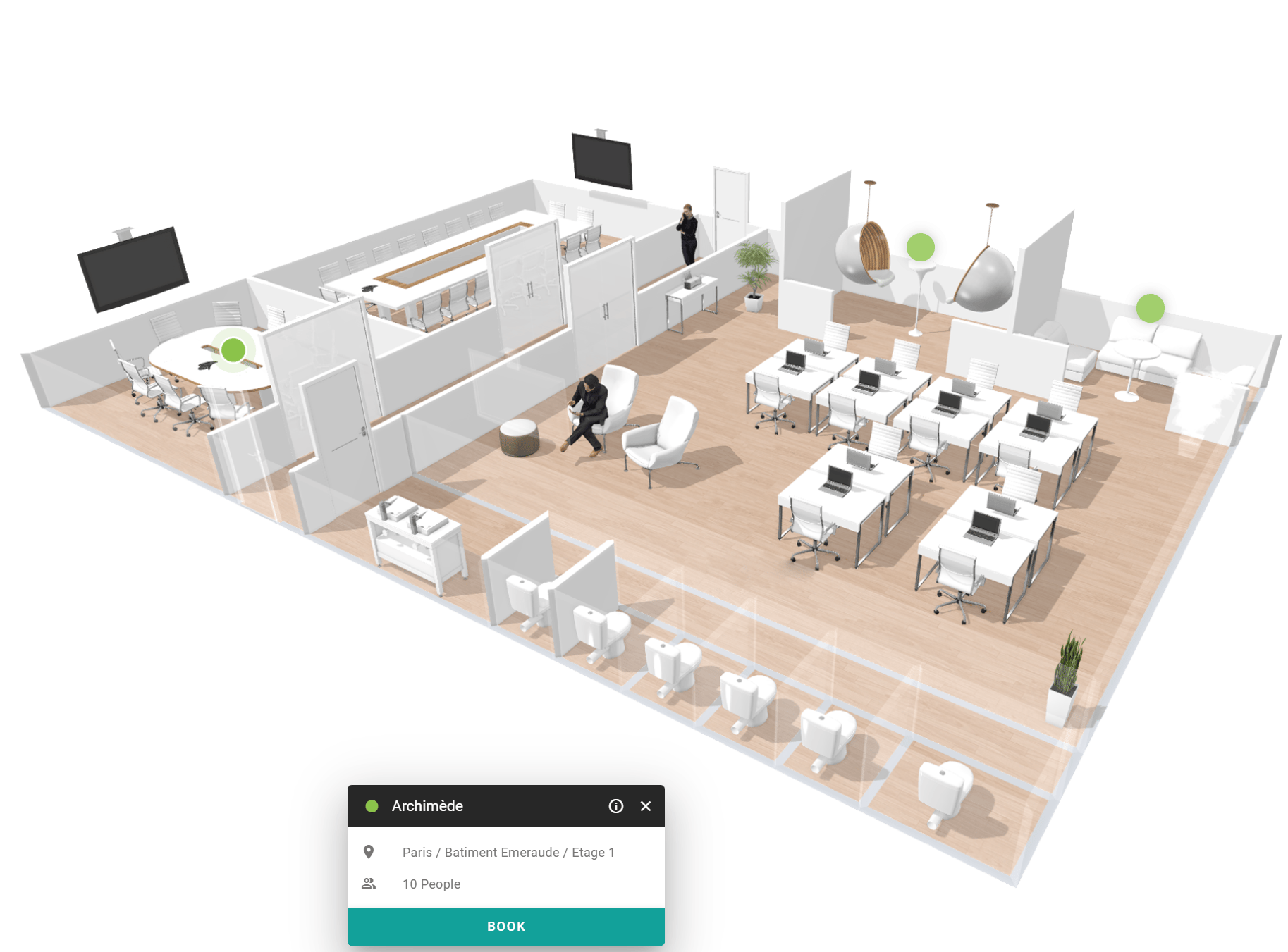
A floor plan is available only for floors that have a floor map. Rooms without a position on the floor map do not appear on it.
Open the floor plan
1
Open the floor plan view
In the space overview, select the floor plan icon in the upper-right corner of the screen.
2
Choose a building and floor
Select the building and the floor that you want to see.
3
Select a room
Select the button of a room on the floor plan to see its details. See View space details.