

Available filters
The location filters follow the location structure that your administrator created: country, city, building, and floor. Your administrator also decides which equipment and services exist.
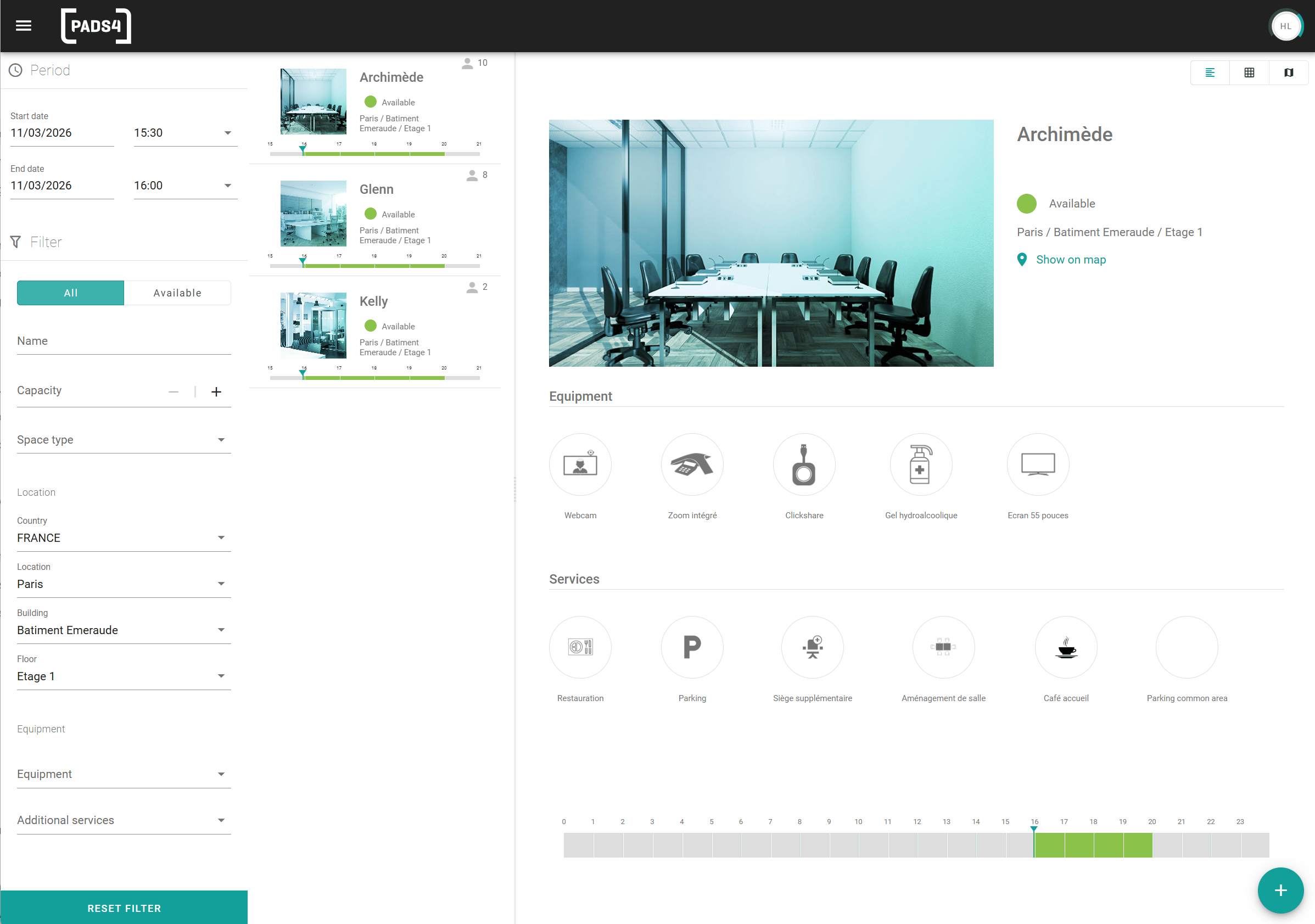
Filter the list of spaces
1
Open the search engine
In the space overview, go to the search engine.
2
Set the filters
Enter or select a value for each filter that you want to use. You can combine filters.
3
Open a space
Select a space in the results to see its details. See View space details.