

Book a room without an organizer
1
Open the overview
In PADS4 Workspace, go to Calendar, and then select Overview.
2
Start the booking
Start a new booking in the same way as you book a room. See Book a space.
3
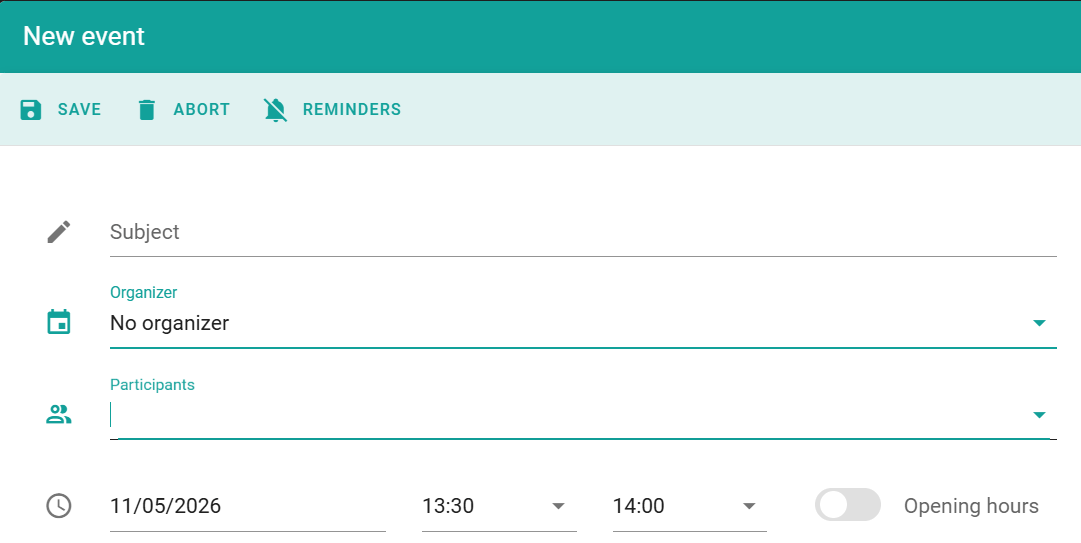
Select No organizer
In the organizer field, select No organizer.
4
Enter the details
Select the room and the time, and enter the other details of the booking. You can add participants.
5
Save the booking
Select Save.
The booking appears in the calendar. The calendar shows the organizer of the booking as No organizer.