

Configure MFA in PADS4
Use this screen to enable MFA, decide whether it is optional or required, and define the date from which enforcement starts. The example shown uses PADS4 Server as the issuer, enables MFA, makes it mandatory, and sets the enforcement date to 30/06/2026.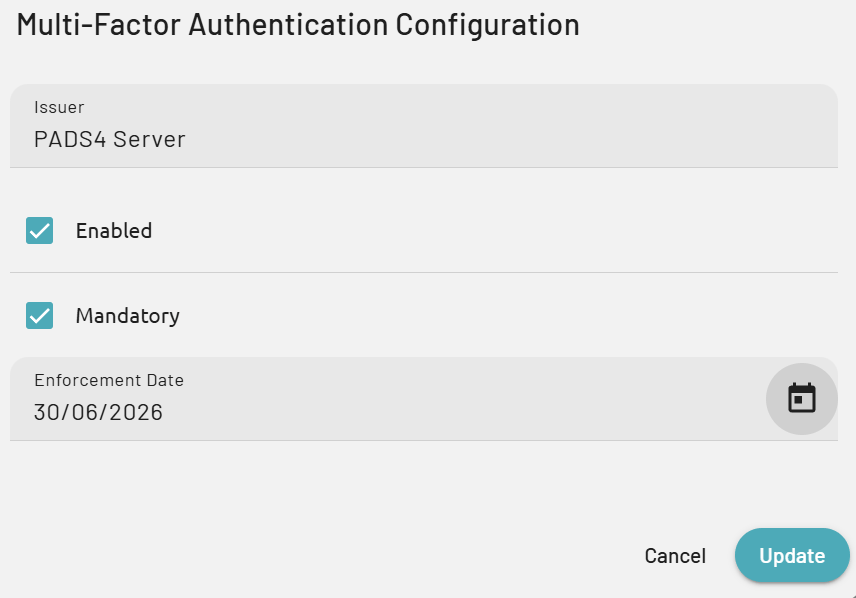
- Issuer - The Issuer identifies PADS4 in the MFA provider. Give it a proper and recognizable name, and as a good practice use the name of the PADS4 Server, such as PADS4 Server in the example shown.
- Enabled - Select Enabled to activate MFA in PADS4. When this option is not selected, MFA is not used for the environment.
- Mandatory - Check this box if MFA must be required for all users. Leave it unchecked if MFA should be available but not enforced for everyone.
- Enforcement date - Use Enforcement Date to define when mandatory MFA starts. From this date onward, users are expected to comply with the configured MFA requirement.