

How to log in with MFA
- Log in to PADS4 with the regular username and password.
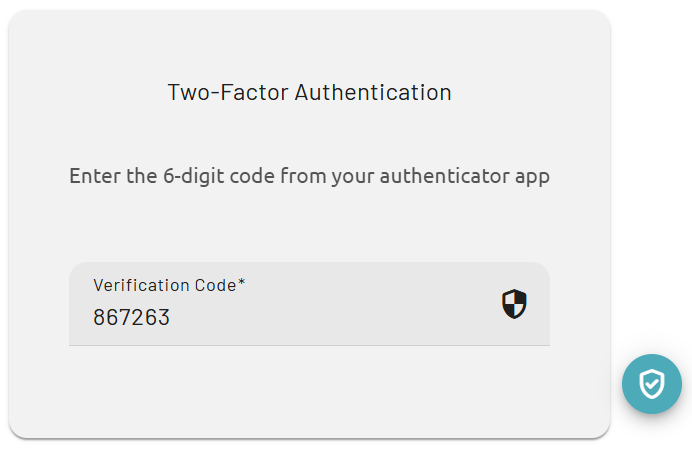
- When the Two-Factor Authentication screen appears, open the authenticator app on the mobile device.
- Find the current 6-digit authentication code for the PADS4 account in the app.
- Enter the code in the Verification Code field.
- Continue the login process to access PADS4.
The authentication code changes regularly in the authenticator app, so enter the current code before it expires. If the code is not accepted, check whether the correct account is selected in the app and then enter the newest 6-digit code.