When to use this action
Use Reset MFA in situations such as these:- The user has a new phone.
- The authenticator app was removed or lost.
- The user cannot complete MFA with the previously registered device.
- The MFA registration must be restarted from the beginning.
How to reset MFA
- As a PADS4 Administrator, log on to the PADS4 CTRL Center.
- Open Users and locate the user account that needs MFA to be reset.
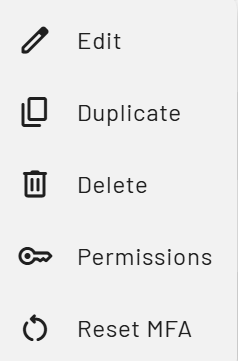
- Open the user More Actions menu for that account.
- Click Reset MFA in the menu.
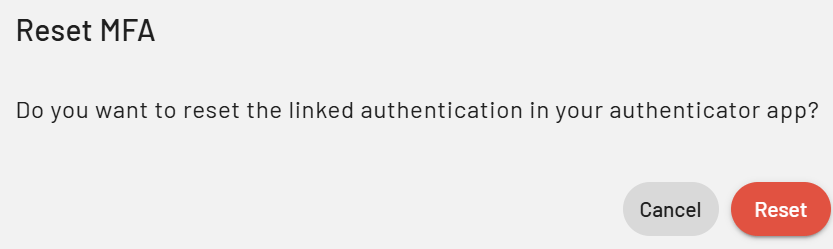
- Confirm the action if PADS4 asks for confirmation.