

How to complete the setup
- Log in to PADS4.
- When the Setup Two-Factor Authentication screen appears, open the authenticator app on the mobile device.
- Scan the QR code shown on the screen with the authenticator app.\
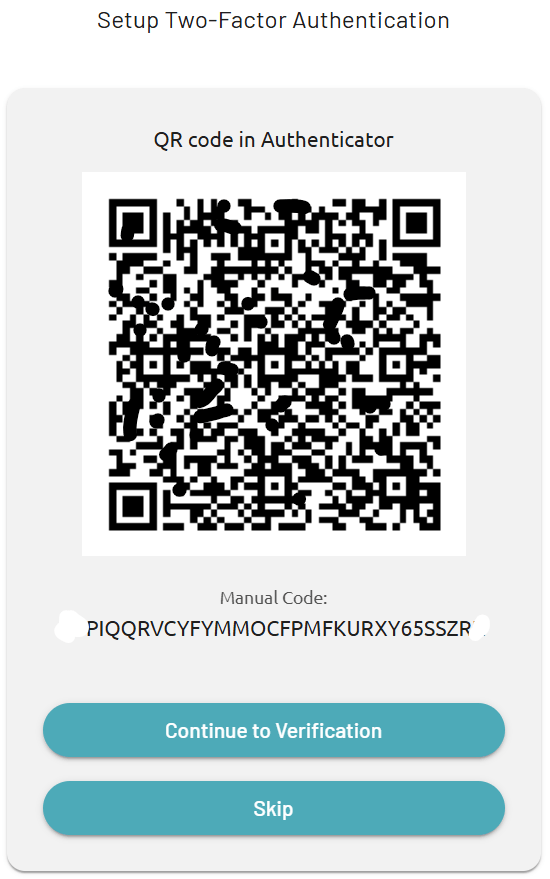
- If scanning is not possible, enter the Manual Code in the authenticator app instead.
- After the authenticator app has been configured, click Continue to Verification to proceed to the next step.