

- From the toolbar, select the Shape tool.
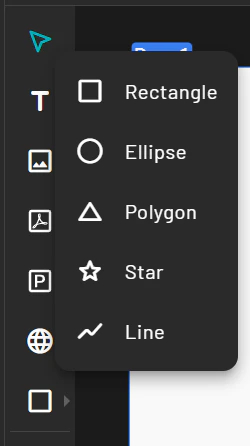
- Select a shape type (e.g., rectangle, circle).
- Click and drag on the canvas to draw the shape.
- Use the Property Panel to customize its color, size, border, and position.
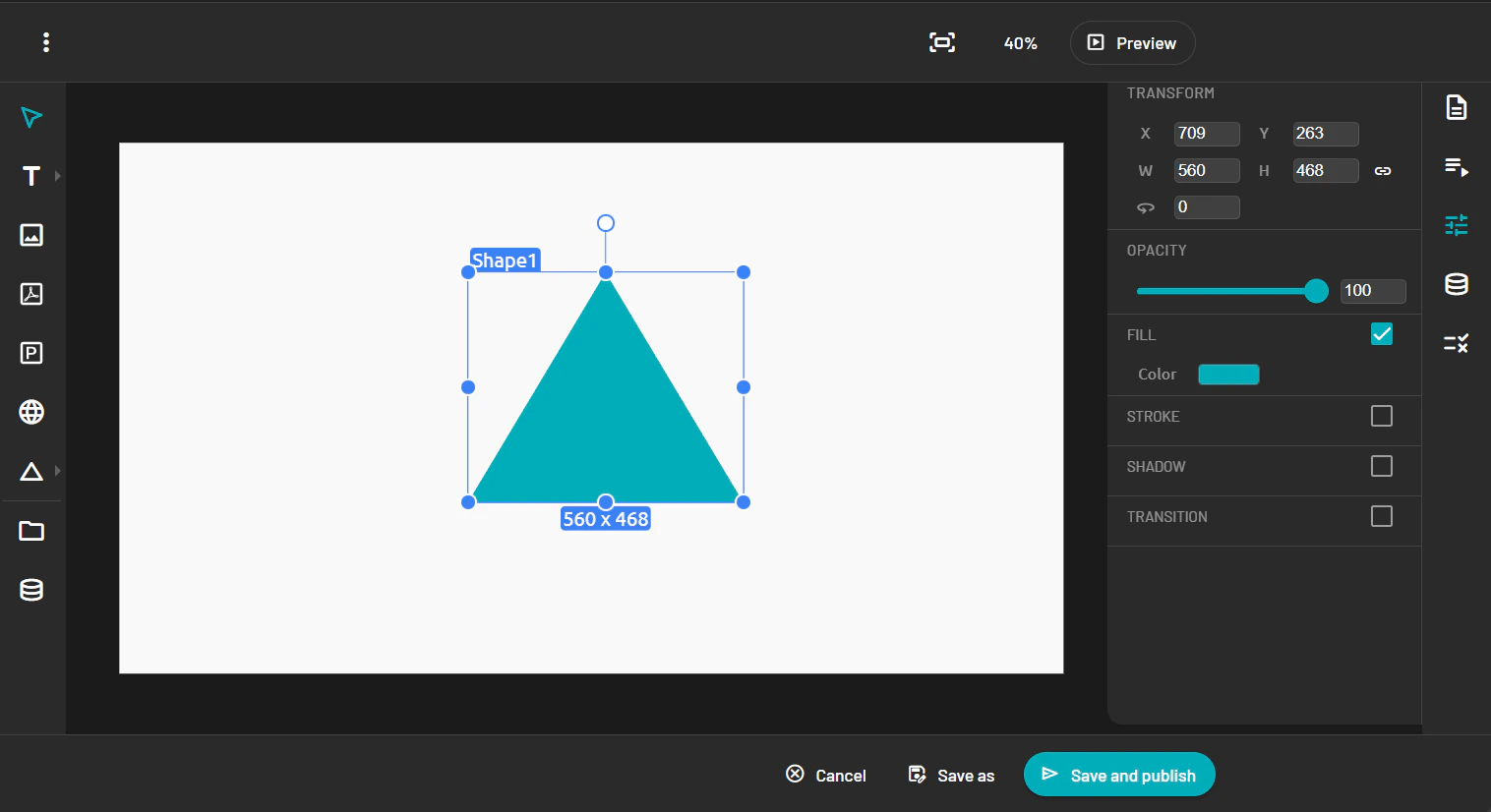
Shape
Shape
Draw and customize rectangles, circles, and other shapes in the PADS4 web template designer, adjusting color, size, border, and position.