

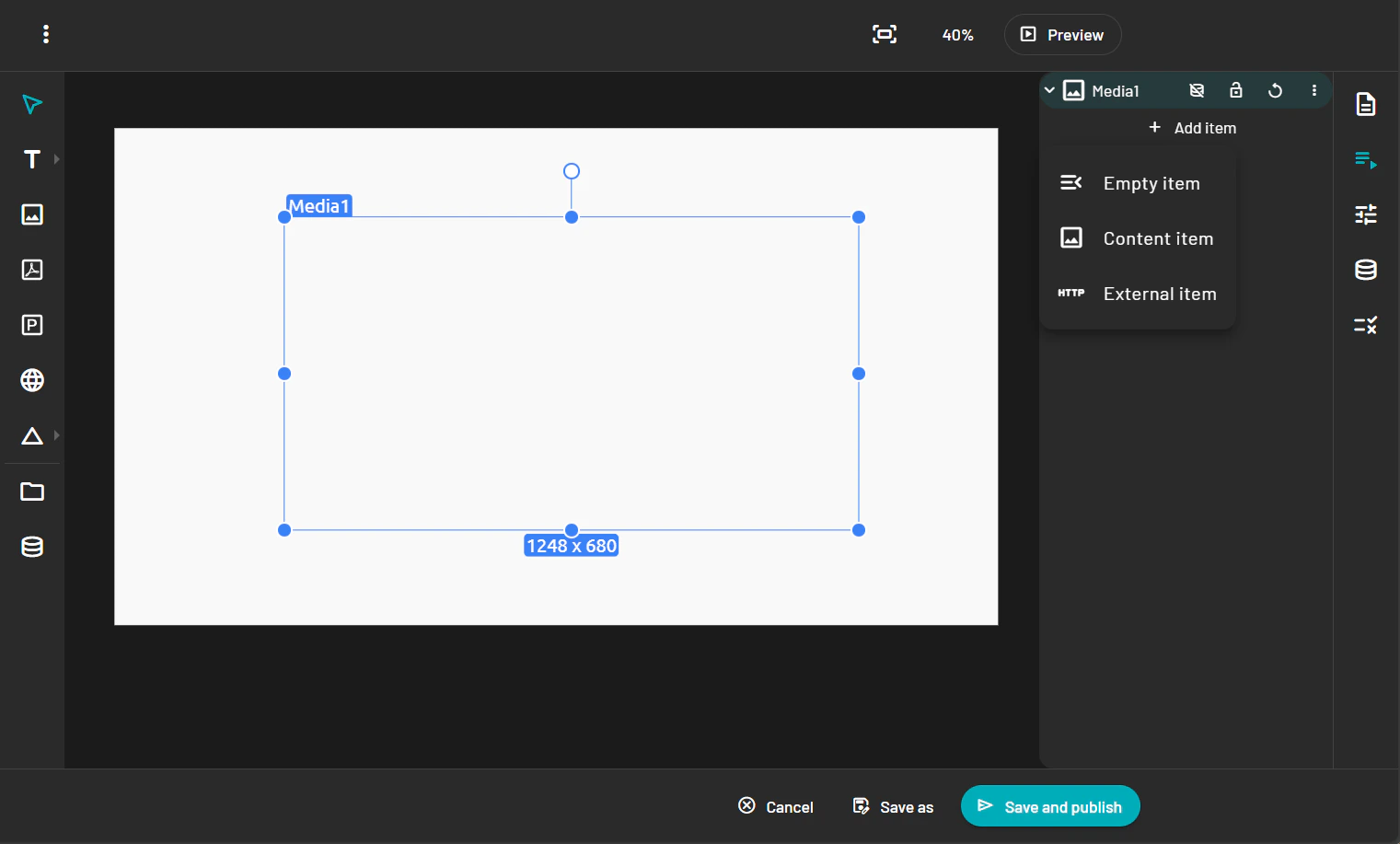
- Select the Image tool from the toolbar.
- Click on the canvas to place the image block.
- In the Property Panel you will have three options: 4. Empty item: If you want the end user to add the content and you just provide the element itself. 5. Content item: You select the content from the content library. 6. External item: Image or video hosted somewhere else.
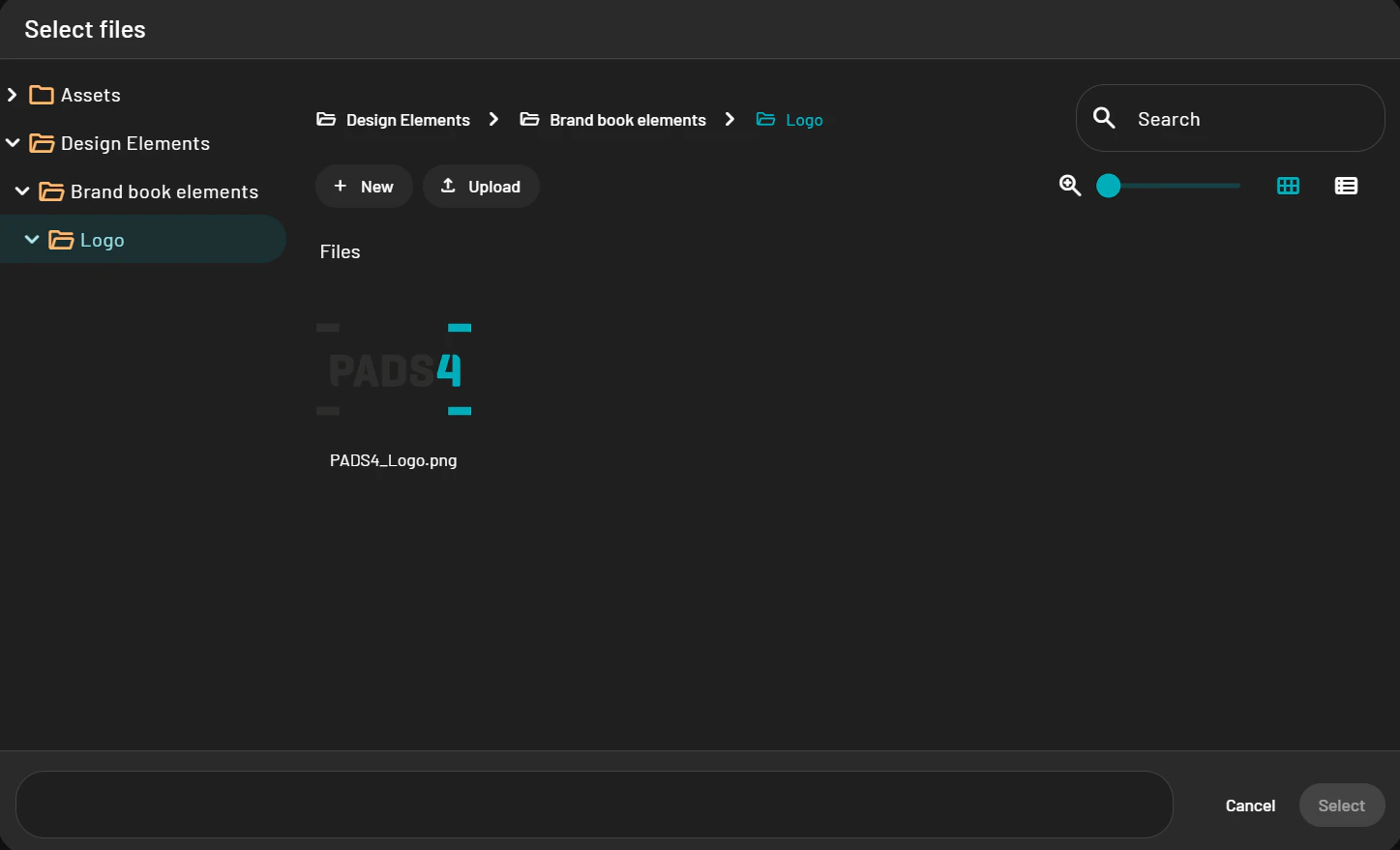
- When using content item a pop-up of your PADS4 content library will show up and allows you to pick the media you want.
- Resize and position the image as needed.