

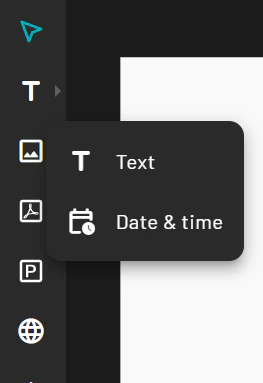
- Click the Text tool in the toolbar and select a regular text field or a date & time element.
- Click on the canvas to create a text box.
- Type your desired text.
- In the Property Panel, adjust the font, size, color, alignment, and effects.
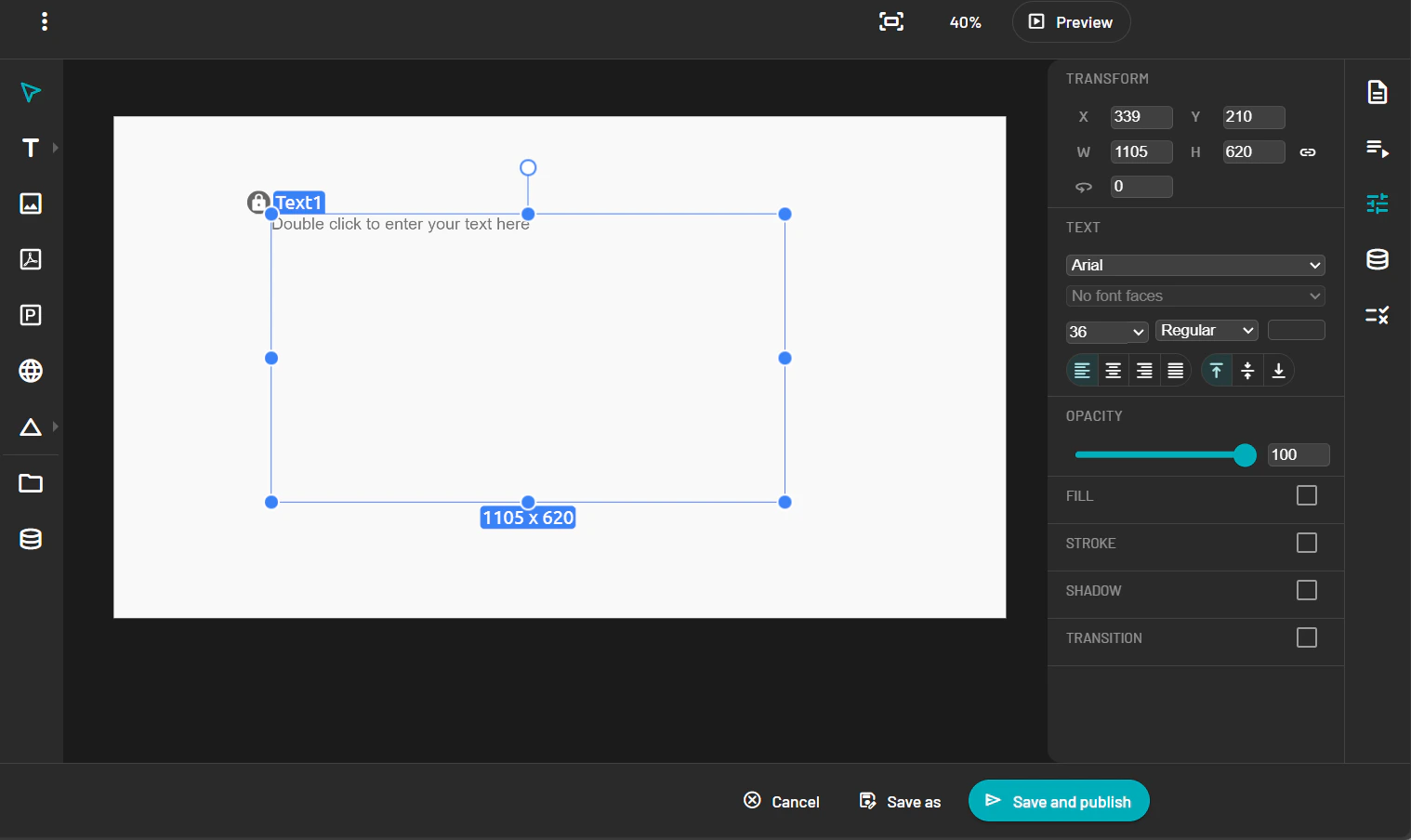
Text and Time and Date
Text
Add text or date and time elements to a PADS4 web template, then adjust font, size, color, alignment, and effects from the Property Panel.