

Before you begin
Your administrator must turn on colleague search. See Colleague search in PADS4 Workspace.Search for a colleague
1
Open the search tool
In the main menu, select Search for Colleagues.
2
Select a colleague
In the directory on the left, find the colleague, and then select the name.
3
Select a period
Select the time period that you want to see.
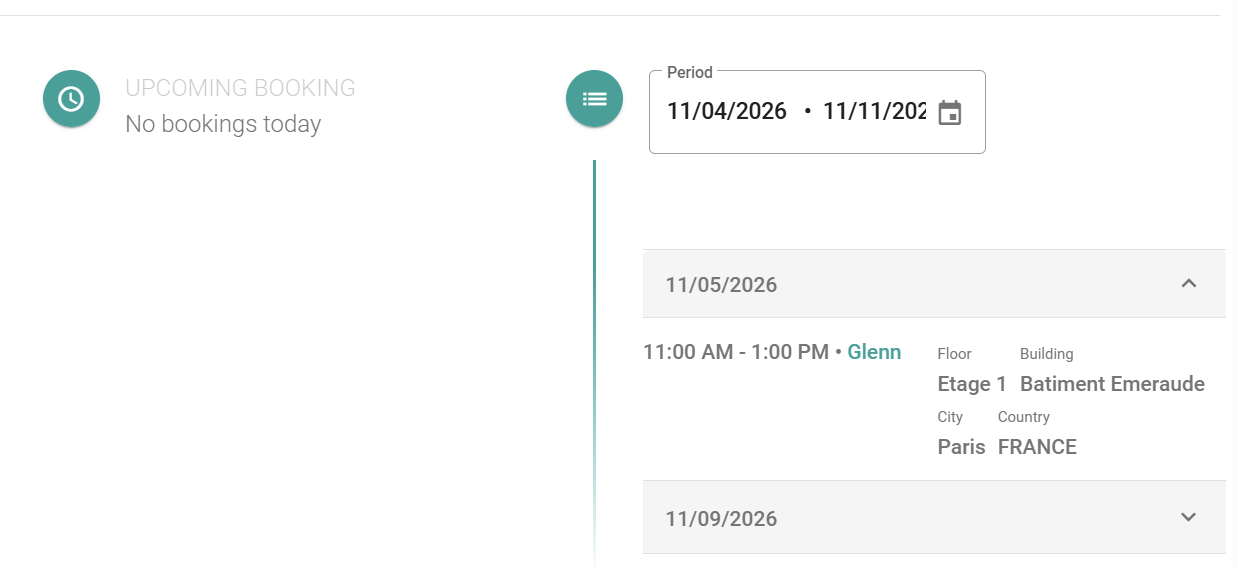
You see the workspace reservations and the availability of the colleague in the period that you selected.