

- Open PADS4 Control Center and select Credentials.
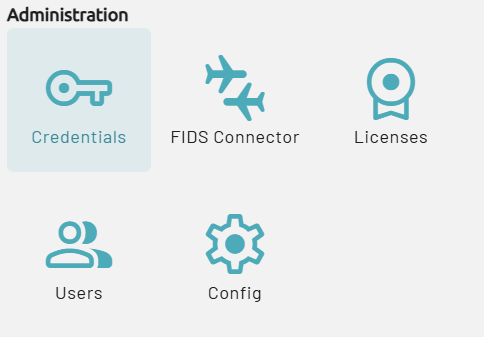
- In the Credentials overview, select Providers.
- Select New and then select Canva. This opens the Create a new Canva app registration window.
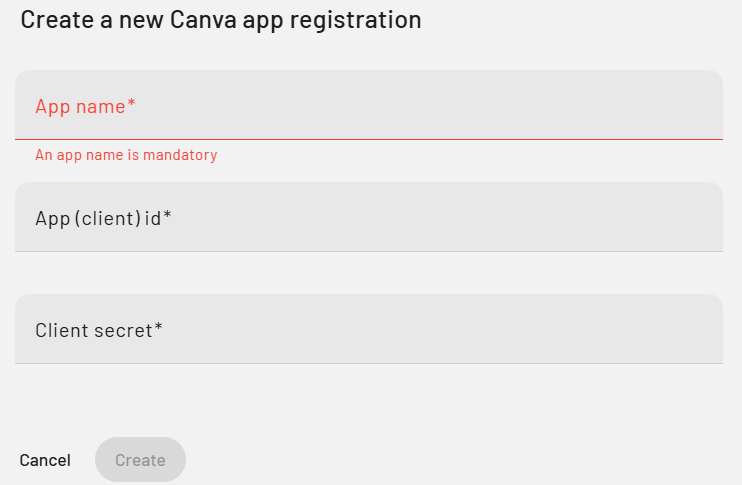
- Enter a clear and recognizable name for the integration to identify it later if needed.
- Enter the App (Client) ID and Client Secret that were generated earlier in the Canva Developer Portal.
- Click Create to register the integration within PADS4.
Canva
Register a Canva provider in CTRL Center
Add the Canva integration in PADS4 CTRL Center Credentials by registering a new Canva provider and entering the app client ID and secret.