

- Content
- Viewers
- CMS 2.0
Permissions overview
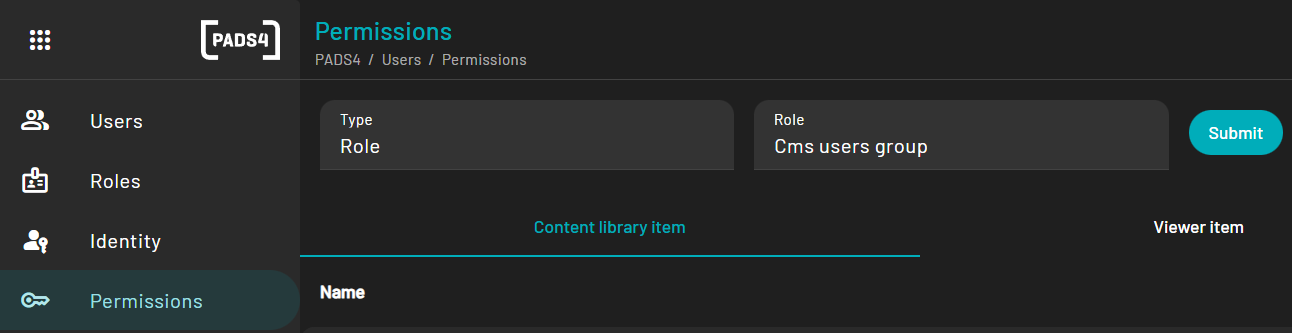
Once you have opened the Permissions page, you can choose which permissions you would like to review. You can choose any specific user or any specific role. Type: User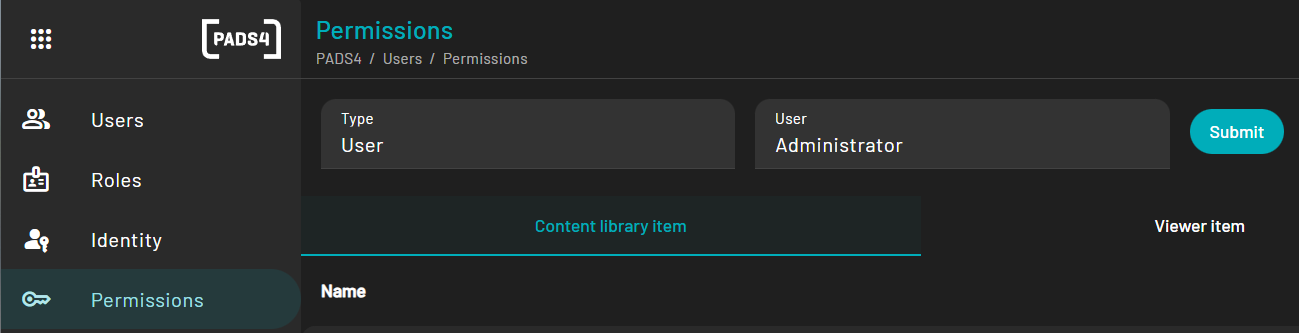
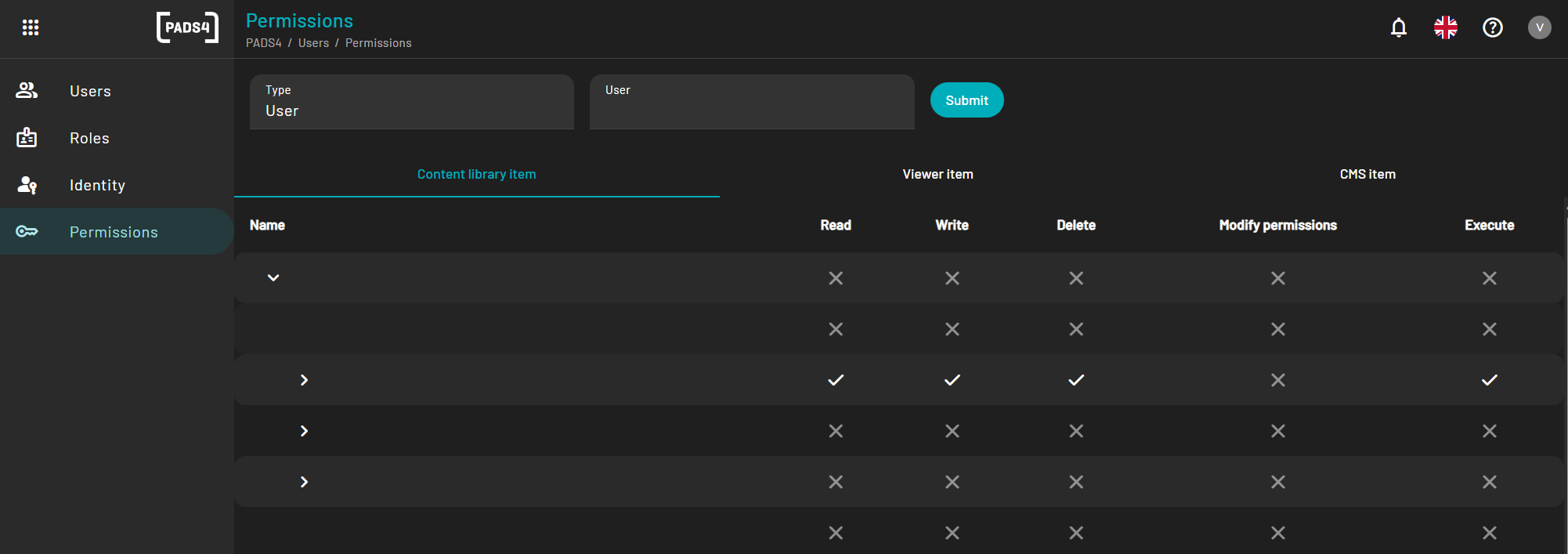
- Content: All permissions for all content folders and individual files are shown here.
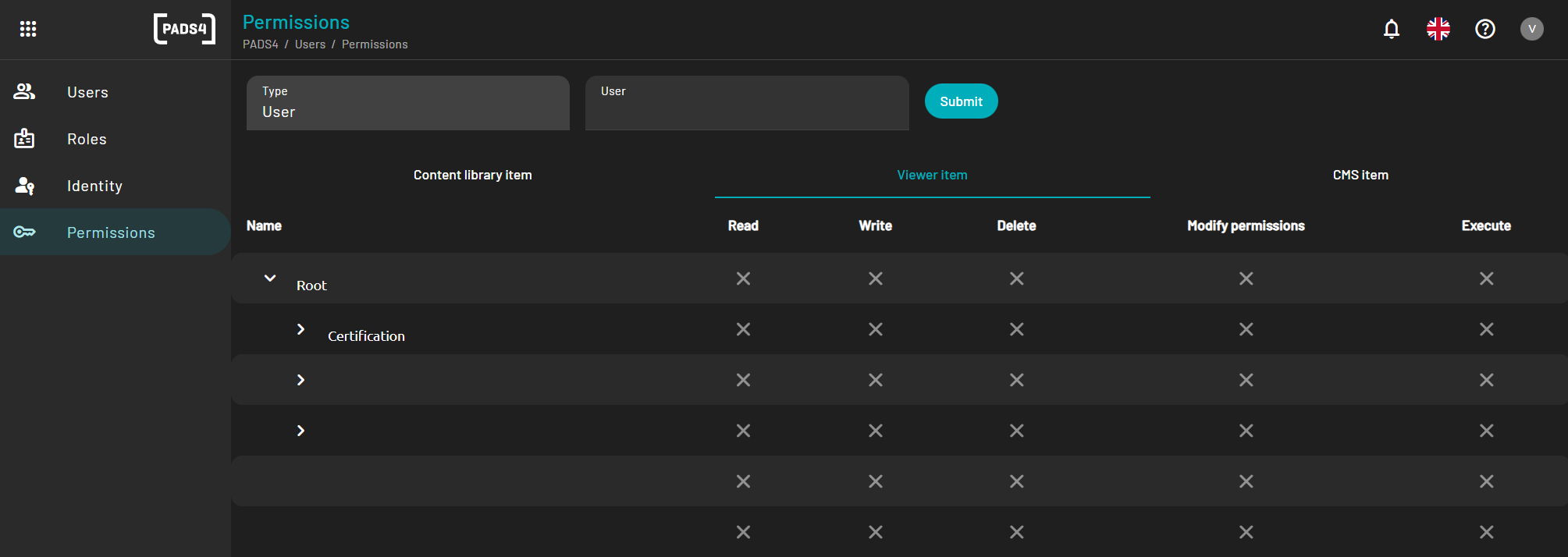
- Viewer: All permissions for all viewer groups and individual viewers are shown here.
- CMS: All permissions for all CMS 2.0 categories and templates are shown here.
