

Interface overview
Once inside the Web Designer, the interface is divided into key areas:- Canvas Area: The main design space where you place and arrange elements.
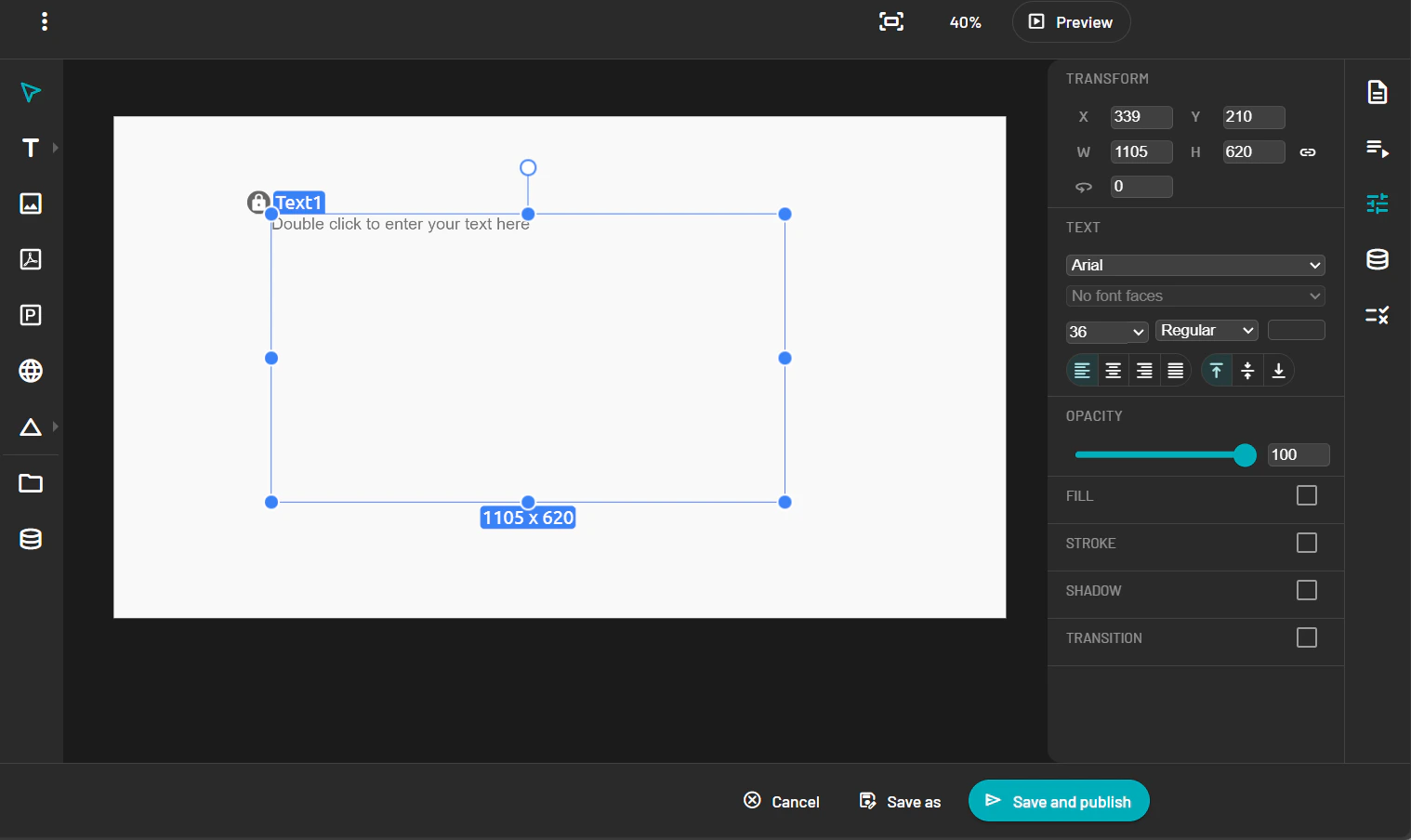
-
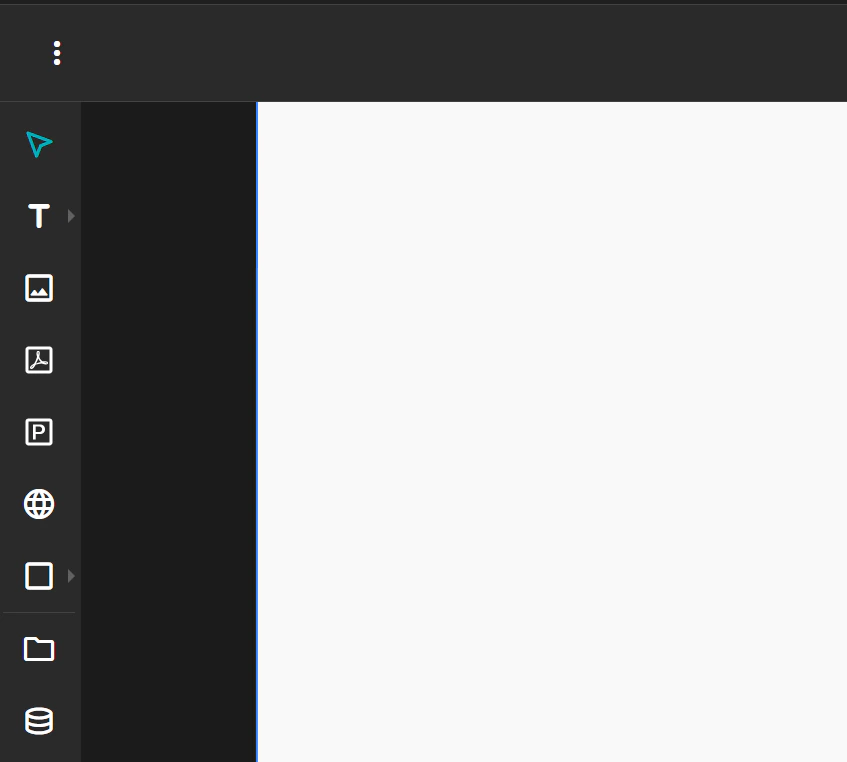
Toolbar: Provides access to drawing tools, media insertion, alignment, and layer management.
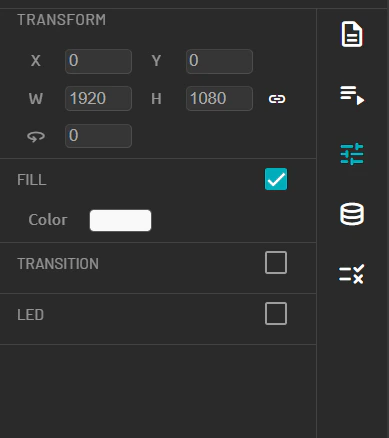
- Property Panel: Located on the right, it displays configuration options for the selected element (e.g., size, color, alignment).
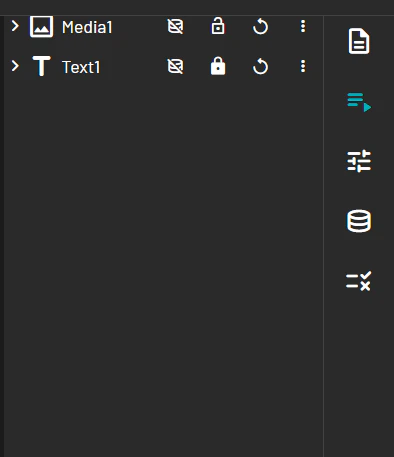
- Layer Panel: Lists all objects on the template, allowing you to reorder, group, or delete elements.\
Enlarge the main page
To zoom or maximize the workspace:- Use the zoom slider or zoom icons located at the bottom-right of the canvas.
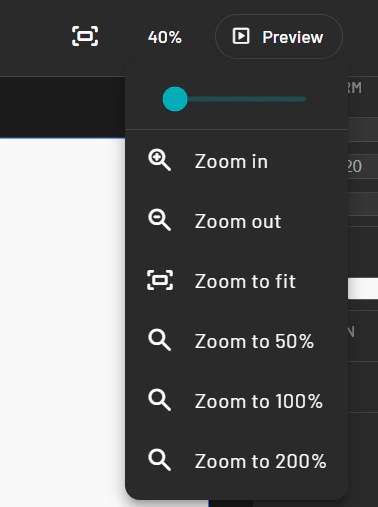
- You can also press Ctrl + Scroll on your mouse to zoom in and out.