You create and maintain Data Vaults in PADS4 System Management. To create or configure a Data Vault, refer to the PADS4 System Management manual.
Attach a Data Vault to a presentation
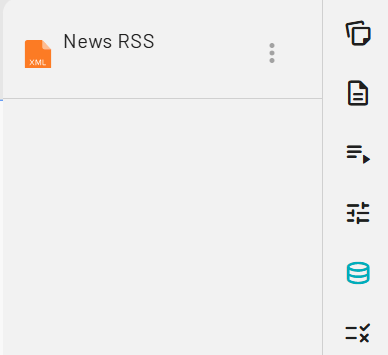
- Open the Data Vault picker. On the Elements bar, select the Data Vault icon.

- Browse available Data Vaults. Designer displays the Data Vaults you have access to.
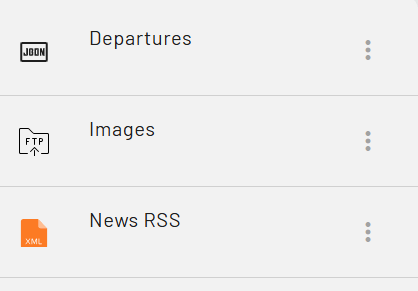
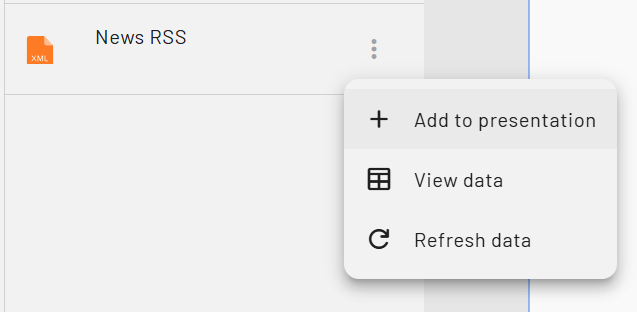
- Add the Data Vault to your presentation. Open the pop-up menu next to the Data Vault you want to use, then add it to your presentation. Its contents become available immediately and stay in sync with the source defined in System Management.
- Verify the Data Vault is attached. Open the Properties pane and select Data Vaults to see every Data Vault attached to the current presentation.