

What you see
The login banner has a title and a message. For example:| Part | Example |
|---|---|
| Title | Scheduled maintenance |
| Message | The platform will be unavailable on Saturday between 22:00 and 24:00 for maintenance. Please save your work before then. |
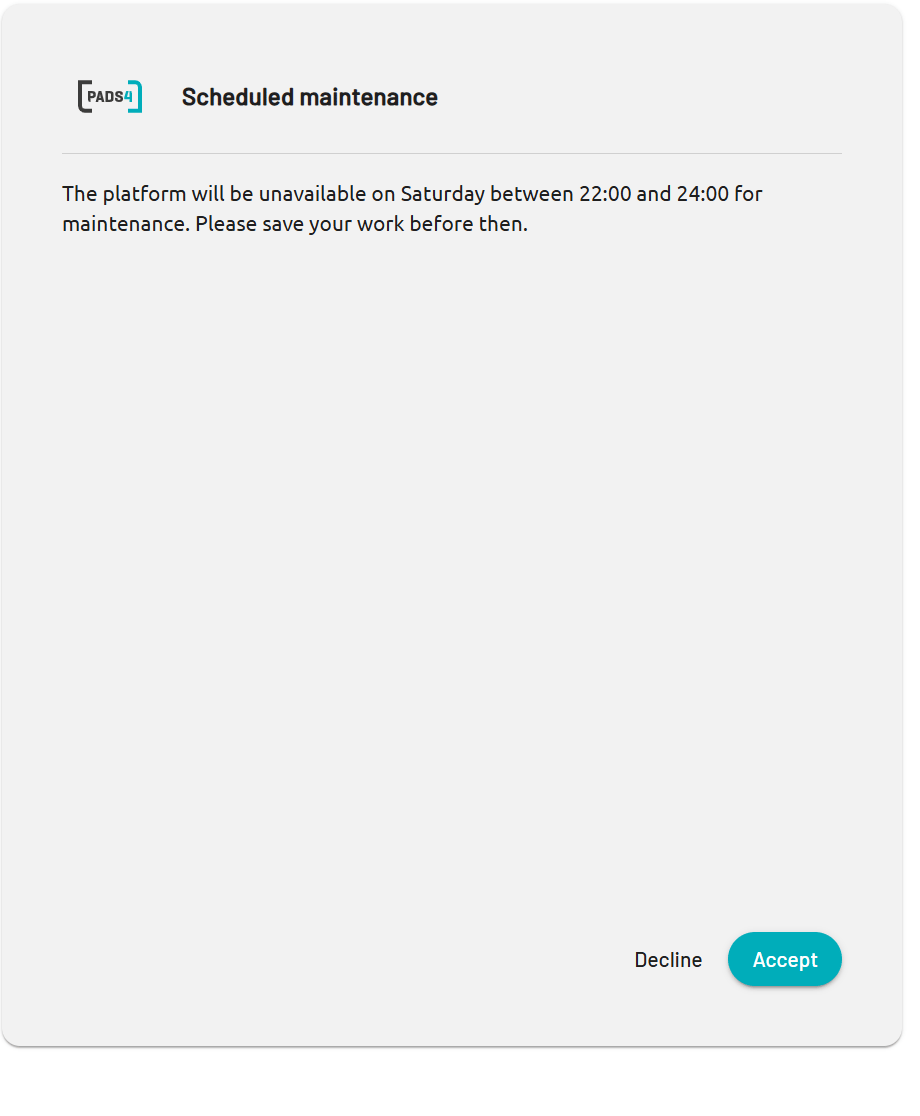
A login banner with a title and a message
Read the banner
1
Sign in to PADS4
Enter your user name and password, and select the arrow button.
2
Read the title and the message
Read the banner, and follow the instructions in the message.
3
Accept or decline
- To continue to PADS4, select Accept.
- To close the message and PADS4, select Decline.