> ## Documentation Index
> Fetch the complete documentation index at: https://docs.pads4.com/llms.txt
> Use this file to discover all available pages before exploring further.
# KNX
To enable KNX, perform the steps below:
1. Set the toggle to ON.
2. Select KNX as Source type.
3. Enter the KNX endpoint URL.
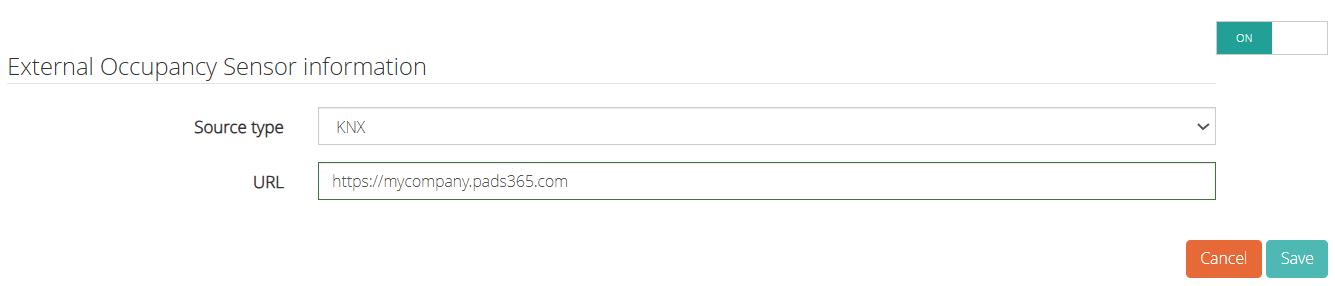 4. Click Save.