> ## Documentation Index
> Fetch the complete documentation index at: https://docs.pads4.com/llms.txt
> Use this file to discover all available pages before exploring further.
# Shape
1. From the toolbar, select the **Shape** tool.
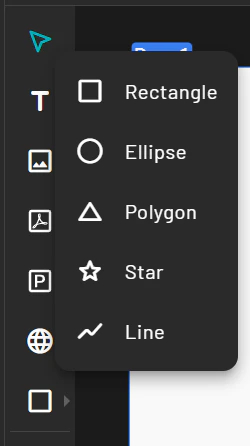 2. Choose a shape type (e.g., rectangle, circle).
3. Click and drag on the canvas to draw the shape.
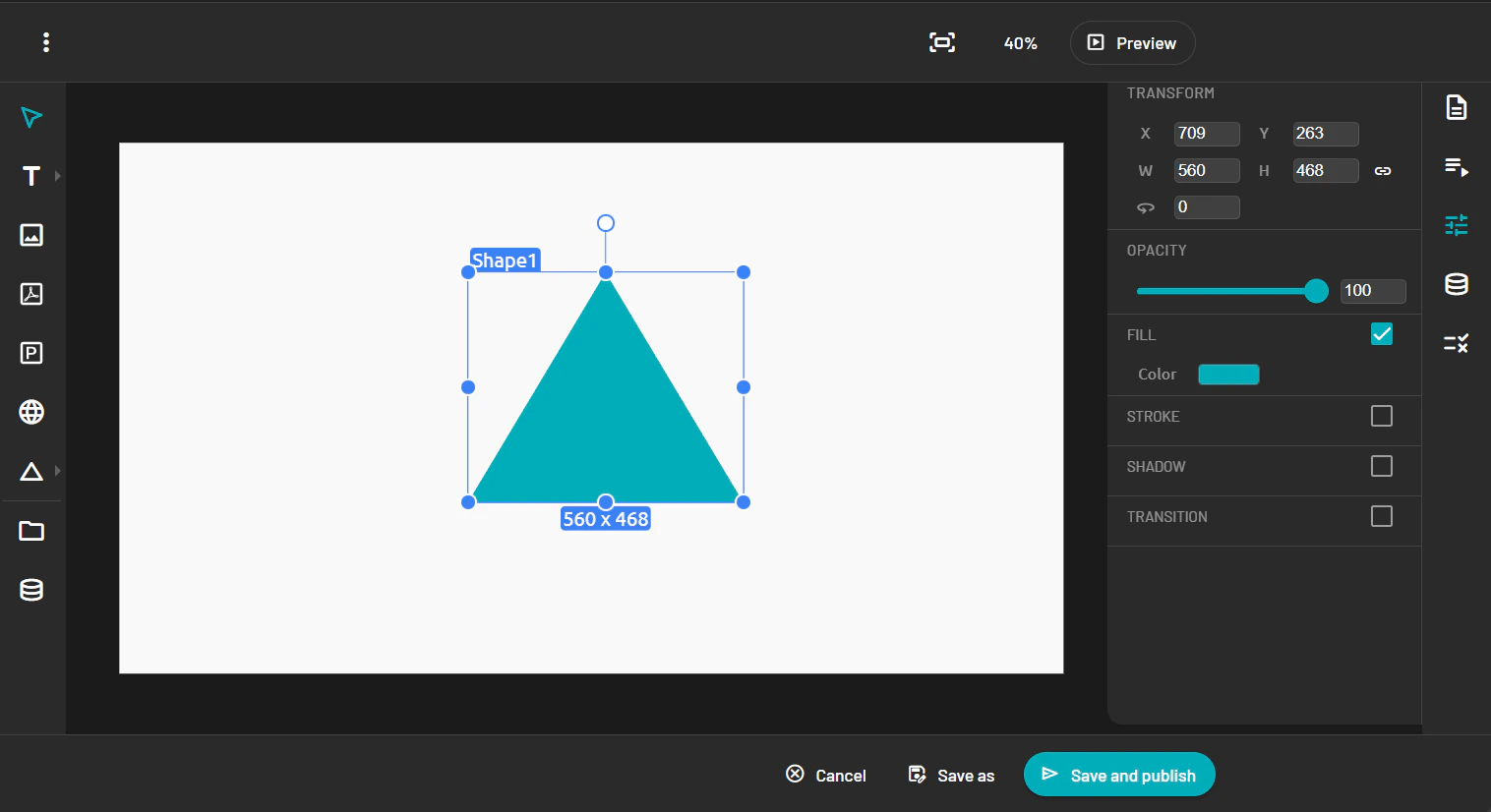
4. Use the Property Panel to customize its color, size, border, and position.
2. Choose a shape type (e.g., rectangle, circle).
3. Click and drag on the canvas to draw the shape.
4. Use the Property Panel to customize its color, size, border, and position.