> ## Documentation Index
> Fetch the complete documentation index at: https://docs.pads4.com/llms.txt
> Use this file to discover all available pages before exploring further.
# Categories
Categories in PADS4 CMS Designer are used to organize templates and messages. They help maintain a structured environment, especially when managing content across multiple departments, locations, or use cases.
## Create a New Category
To create a new category:
* Navigate to the **New message** section in the main navigation menu.
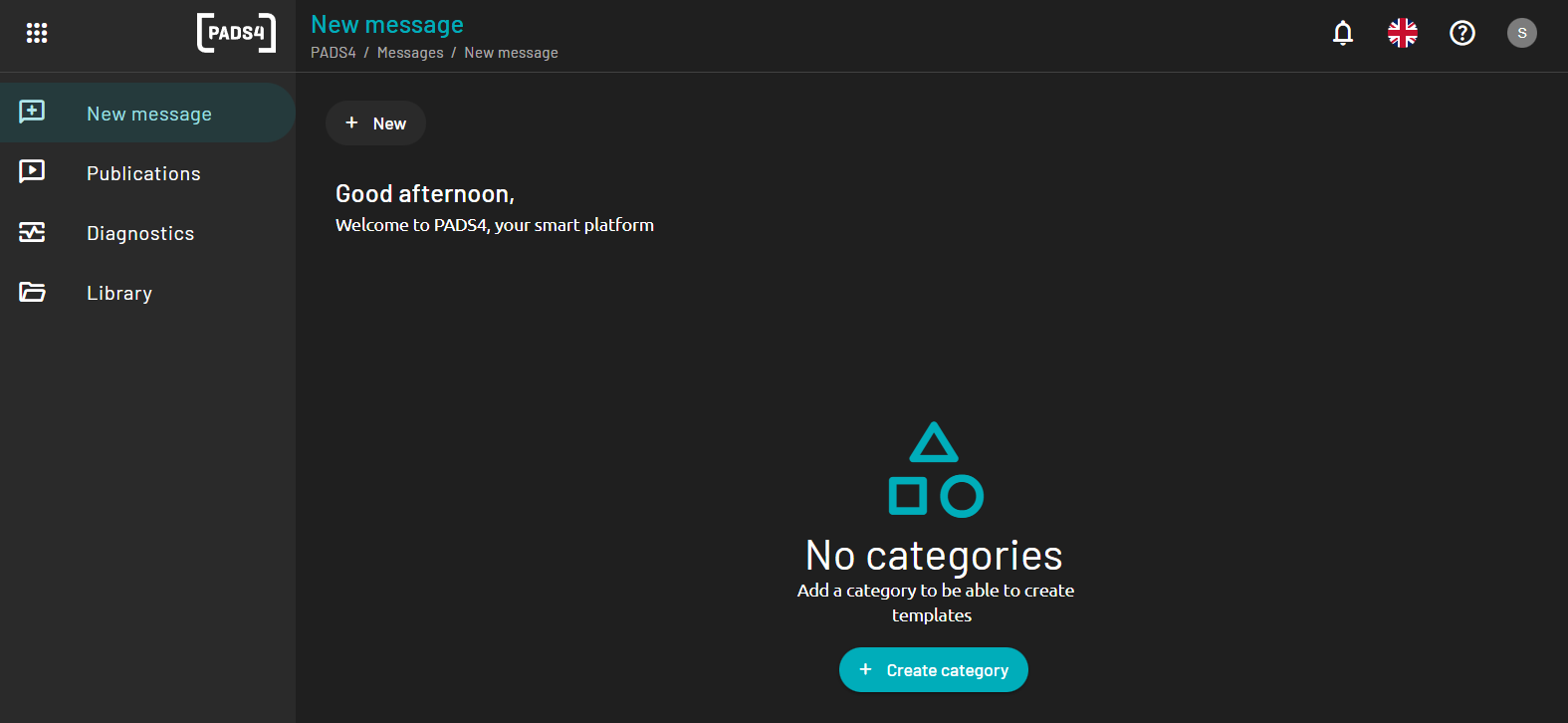 * Click the **Create a new category** button.
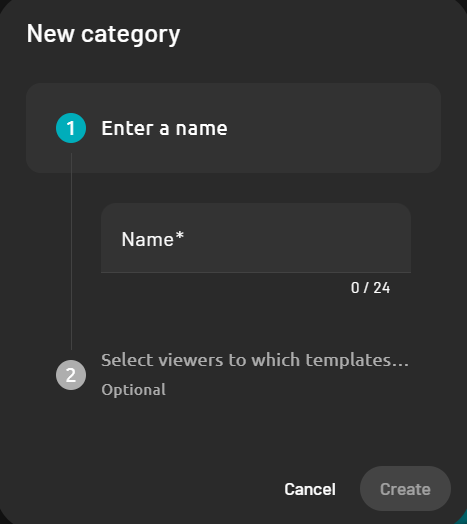 * In the form that appears, enter the following details:
* **Category Name**: The name that will be used to identify this category.
* **Description** *(optional)*: A short explanation of what this category is for.
* Select the viewer which this template will be allowed to be used with.
* In the form that appears, enter the following details:
* **Category Name**: The name that will be used to identify this category.
* **Description** *(optional)*: A short explanation of what this category is for.
* Select the viewer which this template will be allowed to be used with.
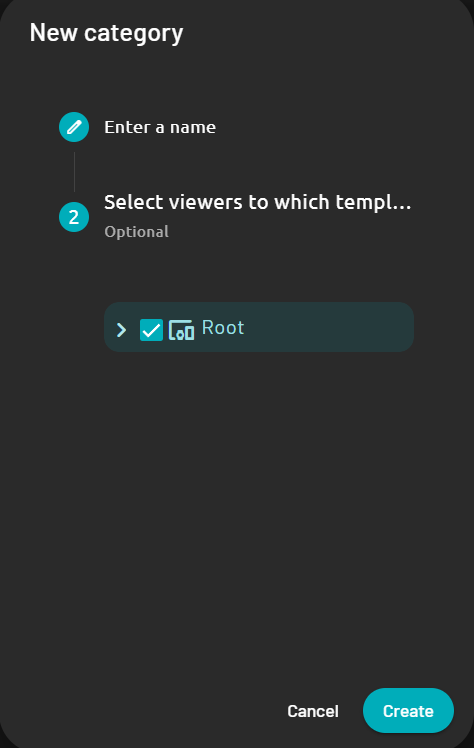 * Click **Create** to create the category.
Once created, the category will appear in the list and can be used to organize templates and messages. Categories can also help define user permissions and streamline message creation by grouping related content together.
* Click **Create** to create the category.
Once created, the category will appear in the list and can be used to organize templates and messages. Categories can also help define user permissions and streamline message creation by grouping related content together.