> ## Documentation Index
> Fetch the complete documentation index at: https://docs.pads4.com/llms.txt
> Use this file to discover all available pages before exploring further.
# Menu
## Save Your Template
When your layout is complete:
1. Click the **Save** button in the top toolbar.
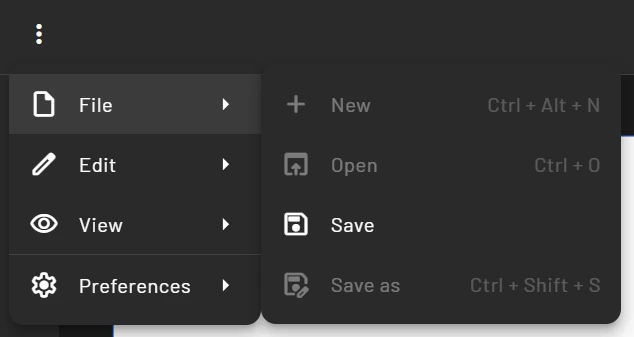 2. Your template will be saved and become available under the **Templates** section.
3. It can now be used as a base for creating messages.
2. Your template will be saved and become available under the **Templates** section.
3. It can now be used as a base for creating messages.