> ## Documentation Index
> Fetch the complete documentation index at: https://docs.pads4.com/llms.txt
> Use this file to discover all available pages before exploring further.
# Introduction to PADS4 Super User
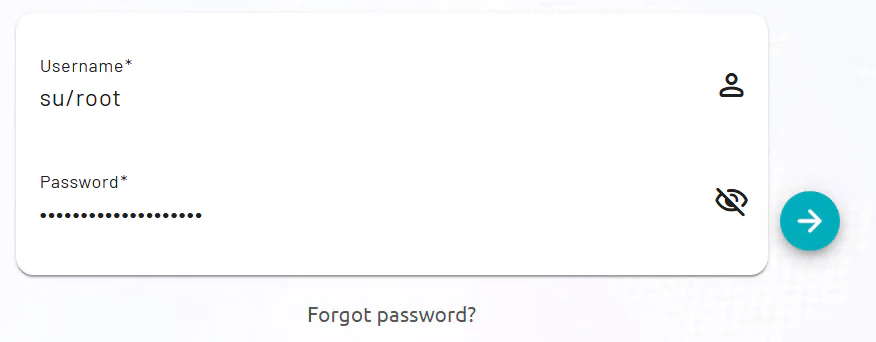
The root user (su\root) in PADS4 serves as a superuser account with elevated privileges for server-wide management, including domains and configurations. It is created automatically during installation via the PADS4 Foundation Configuration Tool, where you must set a strong password.
## **Access Requirements**
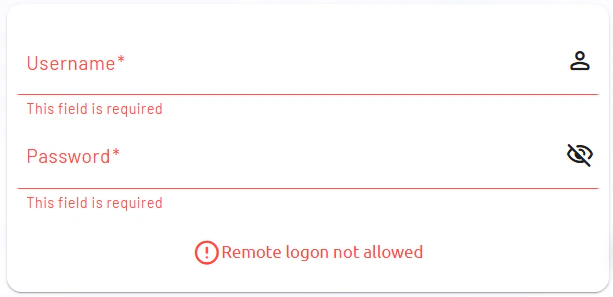
Log in directly at the PADS4 server console using username **su\root** and the configured password; remote access is blocked for security. This restriction ensures critical operations occur locally before delegating to domain admins.
 The design promotes secure initial setup on the physical machine, limiting exposure of superuser privileges.